Type an idea. Get a coloring page made just for you.
Color it by hand, then hang it in a private gallery of your own.

Your idea“a bear cub made of flowers”


How it works
-
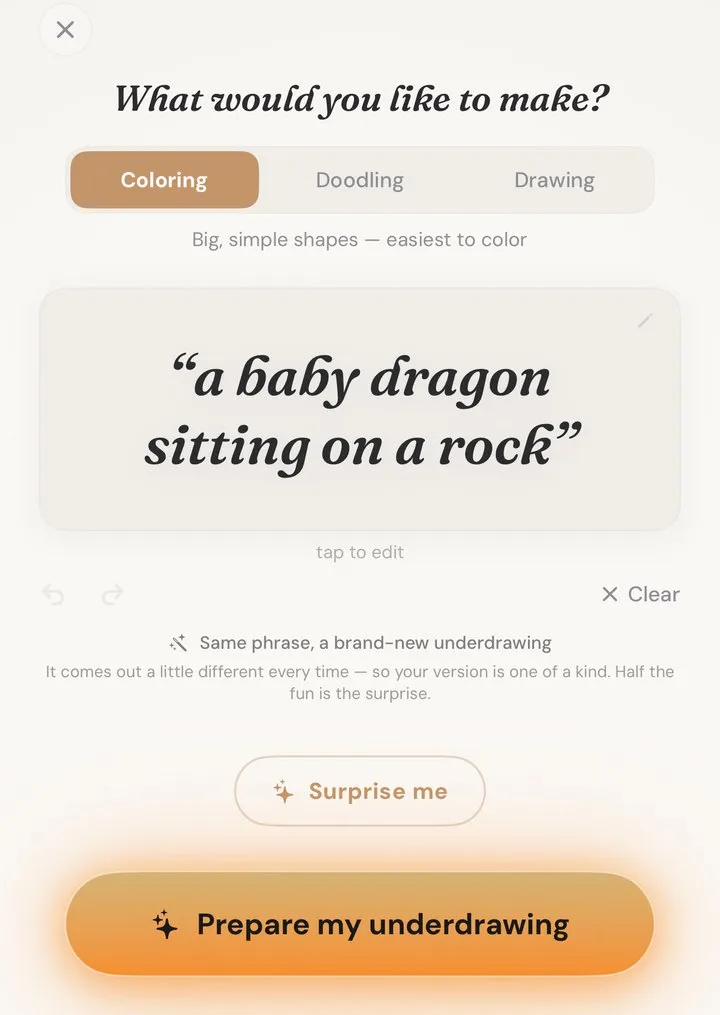
1 · Type an idea
Describe it. Get the lines.
Any idea you can put into words becomes a coloring page nobody else has.
-
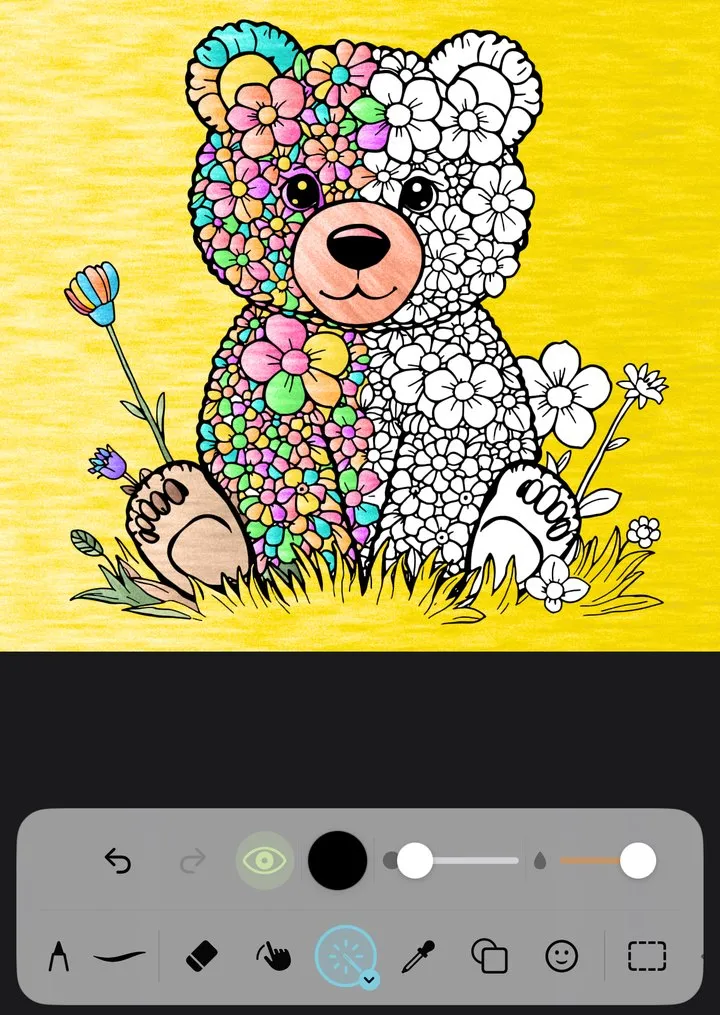
2 · Color it
Swipe once. Watch it bloom.
Every shape you cross fills with color — or paint it stroke by stroke.
-
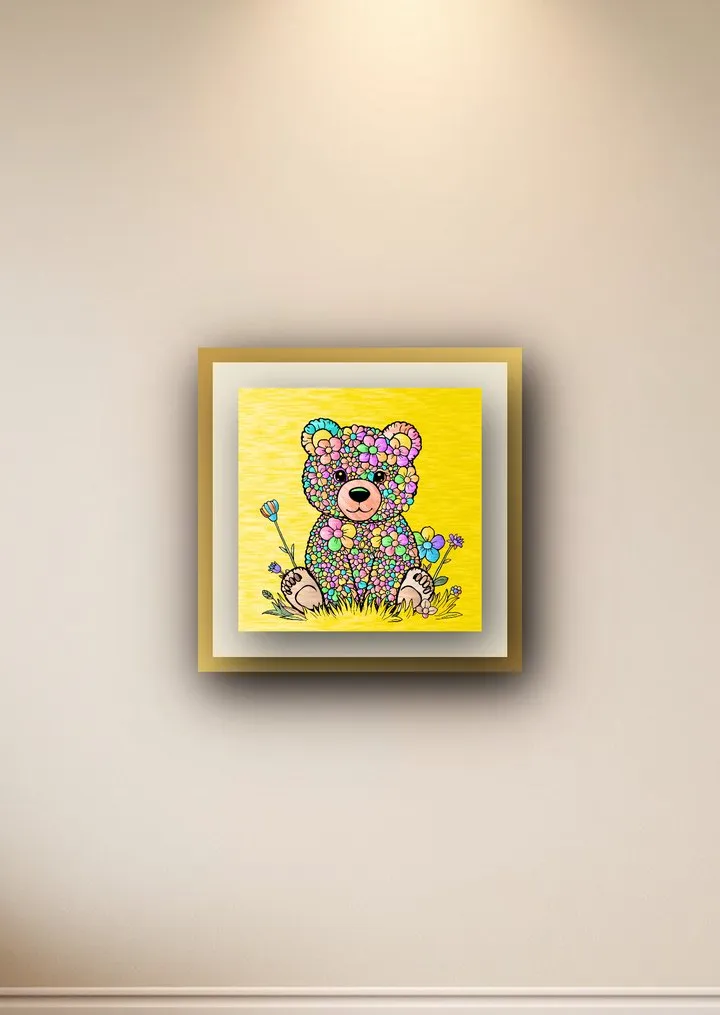
3 · Hang it
Finished? Frame it.
Hang it in your private gallery.
Atelaire uses AI for one step only: drawing clean black-and-white lines from your idea. Every color, every stroke and every finishing touch is yours.
From your idea to art on display.
Every artwork you finish hangs in My Atelaire — your own private rooms, with the frame and the light you choose.

A bear cub made of flowers
Your art show. Always on.
Everything you finish, playing on your screen like a gallery wall.
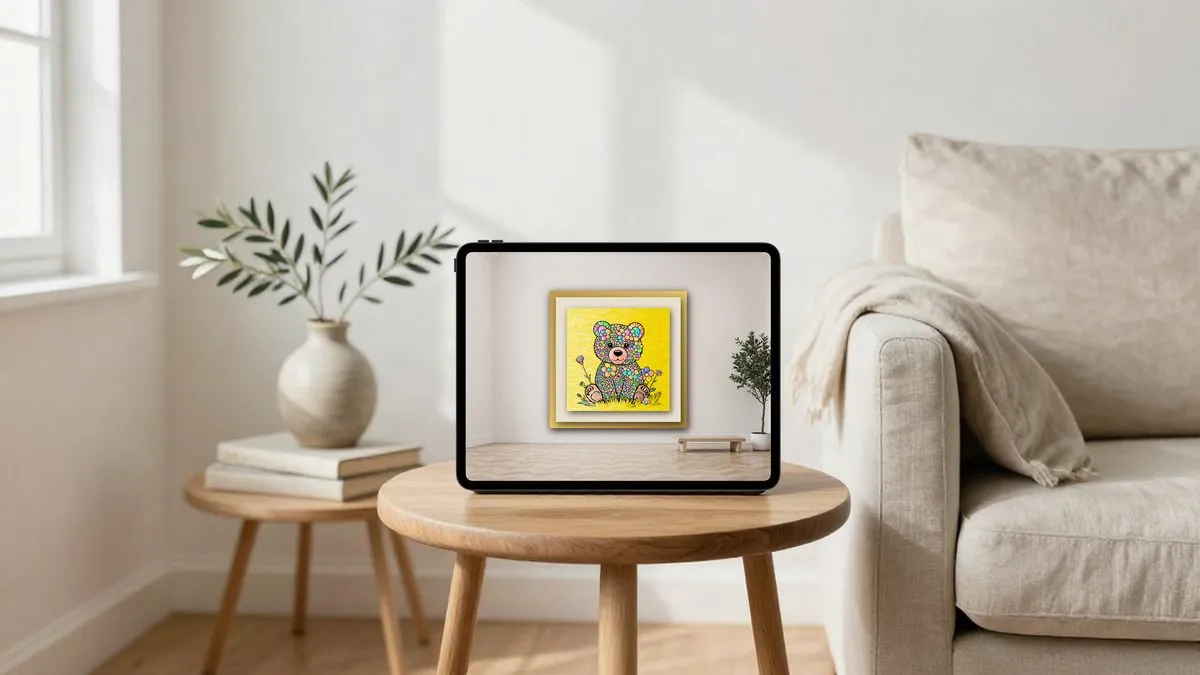
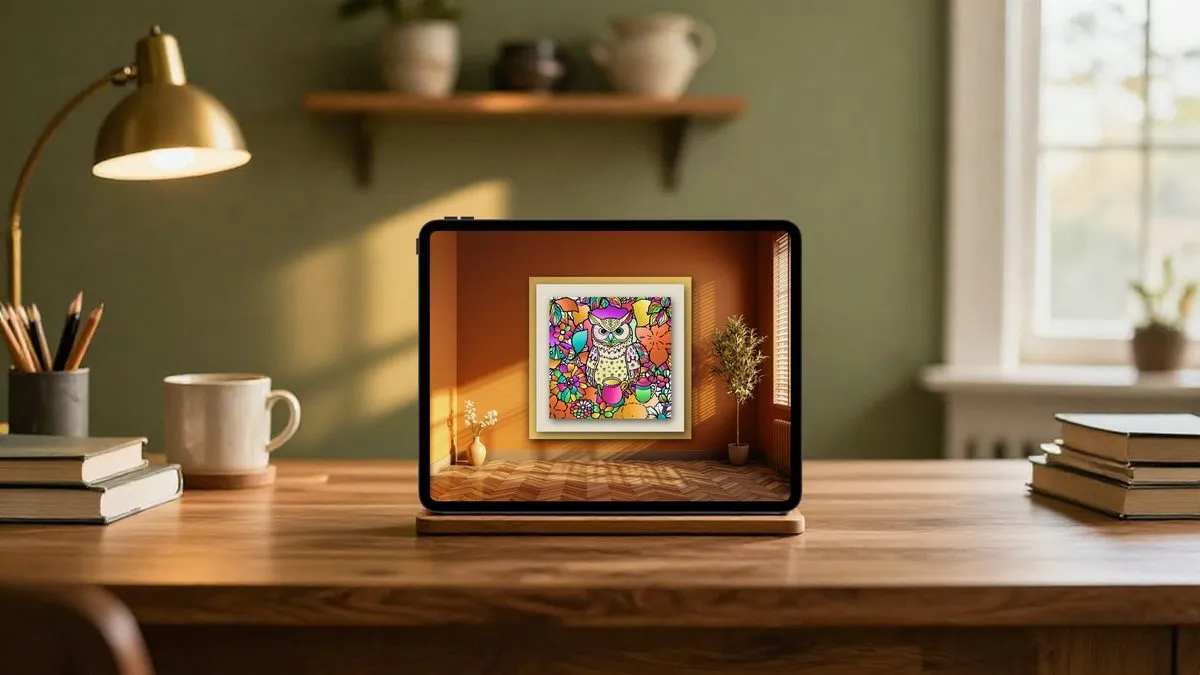
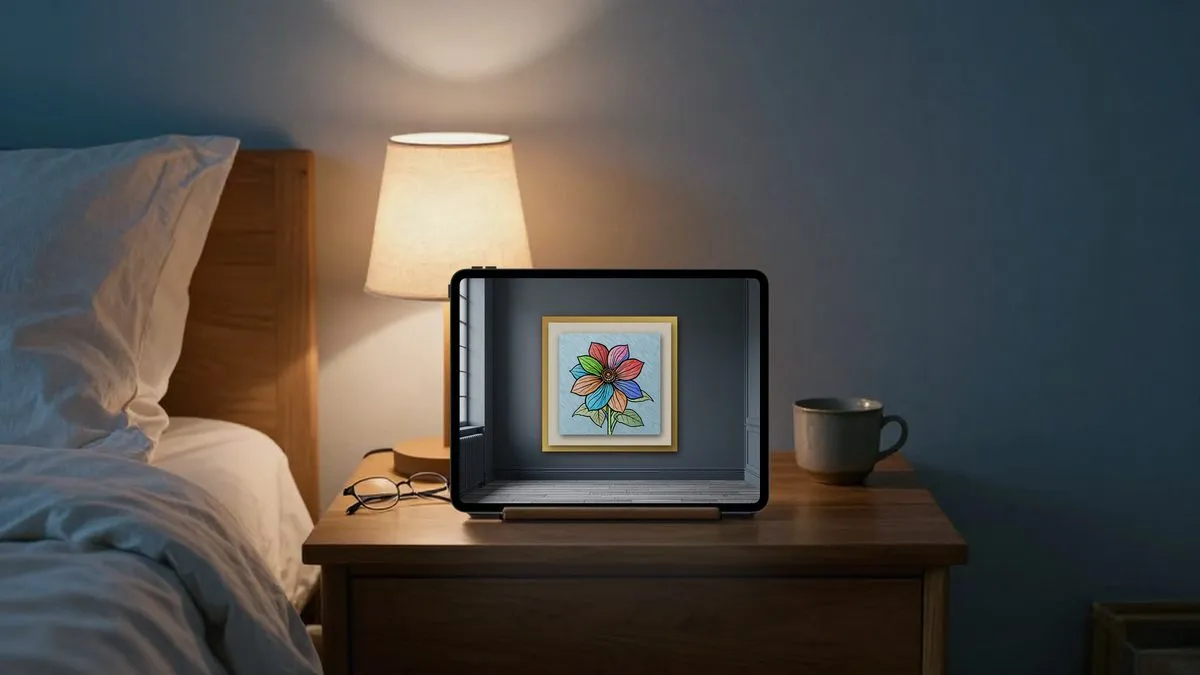
Showing an artwork in the Open Gallery is optional and moderated.
Free to start.
| Feature | Free | Atelaire+ |
|---|---|---|
| 100 new underdrawings every month | – | ✓ |
| Every room for My Atelaire | – | ✓ |
| Name your artworks | – | ✓ |
| Save without the Atelaire mark | – | ✓ |
| Every brush and tool | ✓ | ✓ |
New coloring pages are limited on the free plan. Free to download. Atelaire+ is an optional monthly subscription — see the price in your currency in the App Store.
Questions
Who is Atelaire for?
Adults. Atelaire is for people 18 and over.
Who can see what I make?
Only you. Your artworks stay in My Atelaire, which is private. One becomes public only if you choose to show it in the Open Gallery.
How are the lines made?
Atelaire uses AI for one step only: drawing clean black-and-white lines from your idea. Every color, every stroke and every finishing touch is yours.
Which devices does it run on?
iPhone and iPad with iOS or iPadOS 26.4 or later. Mac is coming later.
Where is it available?
In the App Store in the United States, Canada, Australia, New Zealand and Singapore.
How do I cancel Atelaire+?
On your iPhone or iPad: Settings → tap your name → Subscriptions → Atelaire → Cancel. Your access continues until the end of the current billing period.
More answers on the Support page.
Start with a few words.